
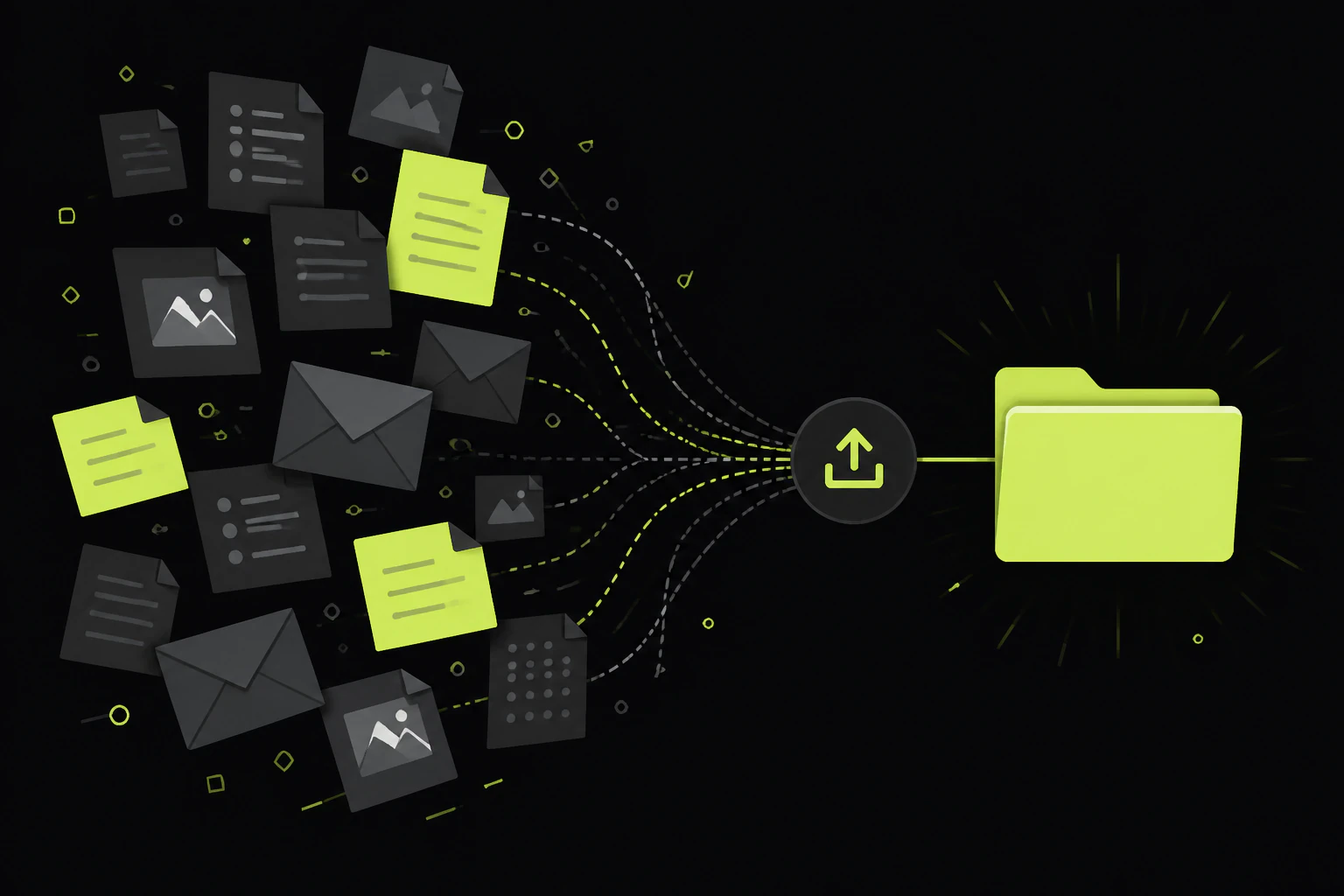
Stop chasing attachments, hand out one link instead.
Email attachments cap out around 25MB, sink to the bottom of a thread, and leave you renaming Untitled(3).pdf at eleven at night. That's the whole reason you're here. The fix isn't a better email habit, it's giving each client a single upload link that dumps everything into one place, without making them sign up for anything. Below are the real ways to do that, what each one's actually good at, and the parts nobody mentions until you're already three clients deep and losing files.
Before the tools, one thing worth naming: "collect files from clients" is really two jobs wearing one search. Sometimes you need a legal document or a signed PDF from one person, once. Sometimes you need 400 raw photos off a client every single week. Those want different setups, and a tool that's perfect for one is a bad fit for the other. Keep your actual case in mind as you read, because the honest answer depends on it.
Email (the one to move off of)
Everyone starts here and everyone outgrows it. The 25MB attachment ceiling, files scattered across a dozen replies, no encryption worth the name, and a manual spreadsheet in your head tracking who still owes you what. Fine for a single small PDF. A quiet disaster for anything recurring or large.
Cloud file requests
Dropbox File Requests, OneDrive's file request link, and Google Drive shared folders. You generate a link, files land in a folder you own, and (for Dropbox and OneDrive) the client needs no account. Google Drive is the exception: uploading into a shared Drive folder usually means the client needs a Google account, which is friction you'll feel with non-Google people.
Online forms
Jotform, Typeform, Google Forms, Cognito Forms. The advantage forms have over a bare folder: you can ask for text and files in the same place. Client name, project reference, three documents, all captured together. The catch is they usually want to be finished in one sitting, and pulling files back out means downloading them one at a time unless the tool batches.
Document collection software
Content Snare, Clustdoc, FileRequestPro, and similar. Built specifically for the "chase clients for paperwork" problem: per-item checklists, automatic reminder emails until everything's in, approve and reject flows, branded upload pages. If document collection is a real part of your job (accounting, legal, onboarding), this category earns its subscription. It's overkill if you just need a bucket for photos.
Your own upload page
A drop page or upload endpoint you host yourself, on your own domain, where files land in one folder you control. More setup than clicking a button in Dropbox, but nothing expires, nothing's branded with someone else's logo, and the terms are yours. This is where an upload service like Tonta fits, and it's the option most articles skip. More on it below.
Pick by the shape of your problem, not by whichever brand you've heard of. One-off document from one person: a Dropbox or OneDrive file request is free and takes two minutes. Text plus files together: a form. Recurring paperwork with deadlines: dedicated collection software. Lots of files, ongoing, on a page that's yours and doesn't expire: your own upload page. The rest of this walks the tradeoffs so you're not switching tools in three months.
The best file collection setup is the one your least technical client can use on their phone without calling you.
The rules that keep files from going missing.
Whichever tool you land on, these are what separate a setup that quietly works from one that generates a support ticket every week. None of them are optional if you're collecting from more than a handful of people.
- No account required on their end. The single biggest drop-off point is a login wall. Every account a client has to create is a fraction of them who give up and email you instead. If the upload link asks the client to sign up, you've reintroduced the friction you were trying to remove.
- One folder, named per client or project. Files that land in a shared pile with names like IMG_4021.jpg are a problem you've deferred, not solved. Route each client's uploads into their own folder so you're never guessing which invoice belongs to whom.
- Say exactly what you want. "Upload your documents" gets you a blurry photo of a photo. "PDF or JPG, both sides of the ID, under 10MB each" gets you usable files. Set file-type and size limits in the tool where you can, and put the naming convention in the instructions.
- Automate the chasing. The reminder email is the real work of file collection, and doing it by hand is where the hours go. Tools that send follow-ups on a schedule until every item's in will save you more time than any other single feature.
- Confirm receipt without attaching the file back. Clients want to know the upload worked. Send a confirmation, but never bounce the file back through email; that's how sensitive documents leak. Keep the file in the system and just say "got it."
- Match the security to the contents. Collecting event photos and collecting tax records are not the same risk. For anything sensitive, look for encryption in transit (HTTPS) and at rest, and for regulated work, the relevant compliance (HIPAA, SOC 2, PCI) stated plainly. Don't pay for a fortress to collect vacation snapshots, and don't collect PHI through a tool that can't name its compliance.
Read the terms on whatever you upload to.
In July 2025, WeTransfer updated its terms of service with language granting itself a broad license to user content, including wording about machine learning. People read it as "they can train AI on my files," and creative professionals in particular revolted, with some lawyers advising clients to stop using it. WeTransfer walked the wording back within about two weeks and clarified it doesn't use customer files to train AI models or sell them to third parties; the machine-learning line, it said, was meant to cover automated content moderation, not generative AI.
Whether you find that reassuring or not, the lesson generalizes. When you hand a client's files to a free service, you're both bound by that service's terms, and those terms can change under you. If you're collecting other people's intellectual property, contracts, or private documents, the terms of service and privacy policy are not fine print, they're the product. A page you host on your own domain sidesteps the question entirely, because the terms are the ones you set.
Three ways to collect, side by side.
The three that most consumer searches actually come down to, with the real strength and the real catch on each. No fake balance.
Google Drive
Free, everywhere, best if everyone's already in Google.
- ✓ 15GB free and a folder your team already knows how to use
- ✓ Great once files are in, for sharing and collaborating
- × Collecting from non-Google people is clumsy; shared-folder uploads often need a Google account
- × Organizing what lands, and chasing what hasn't, is all on you
WeTransfer
Zero-signup sending, built for one-off transfers.
- ✓ The client uploads with no account, no friction, brand they recognize
- ✓ Genuinely the fastest way to receive one big file, once
- × Links and files expire on the free tier; it's sending, not a collection system you keep
- × You don't set the terms, and those terms have shifted before
Tonta
An upload page you host, on your own domain.
- ✓ Hand out a link; files land in one folder in your dashboard, no account for the person uploading
- ✓ Persistent and yours: nothing expires, no other company's branding, your terms; images get resized and WebP-compressed on the way in
- ✓ 5GB free with no card, and the upload endpoint is locked to your own domain
- × More setup than clicking a button: you add a script tag to a page, so it suits people comfortable with a little technical work
When you want the page to be yours.
Here's the honest positioning. Tonta is upload infrastructure, built for people who build things, so it isn't a two-click consumer app like a Dropbox file request. What it gives you that those don't is a real upload page on your own site: you drop a single script tag onto a page, point it at Tonta's hosted endpoint, and you've got a working uploader with storage and a CDN behind it, no server of your own to run and no cloud bucket to configure. Files from your clients land in one folder in your dashboard, and the person uploading never makes an account.
The reasons to reach for that over a free file-request link are specific. You want the link to live permanently instead of expiring. You want it on your own domain, with your look, not somebody else's logo. You want the files to be governed by your terms, which matters more the more sensitive they are. If you're collecting images specifically, Tonta resizes and converts them to WebP as they arrive, so 400 phone photos don't sit in your storage as 400 giant HEIC files. The upload endpoint is locked to the domains you allow, so the link can't be lifted and reused from some other site. The free tier is 5GB with one uploader and no credit card, which is enough for a single collection page; heavier or multi-client use steps up through the paid plans.
Where it's the wrong tool: if you need built-in per-document checklists and automated reminder sequences chasing clients through a paperwork list, dedicated collection software is purpose-built for that and Tonta isn't trying to be. And if you want something you can set up in the next sixty seconds with zero technical comfort, a Dropbox or OneDrive file request is genuinely the faster path. Tonta's the answer when "on my own domain, that I own, that doesn't expire" is the part that matters to you.
How do I collect files from clients without email?
Give each client an upload link instead of asking them to attach files to a reply. That can be a Dropbox or OneDrive file request, an online form with a file-upload field, dedicated collection software, or an upload page on your own site. All of them route the files into one place you control and skip the 25MB attachment ceiling.
Can clients upload files without creating an account?
Yes, with most tools built for this. Dropbox File Requests, OneDrive file request links, WeTransfer, most form tools, and a hosted drop page all let the person uploading do so without signing up. The main exception is a Google Drive shared folder, where uploading usually requires a Google account. Account-free upload is worth insisting on, since login walls are the biggest reason clients give up and email you instead.
What's the best way to receive large files from clients?
Anything but email, which caps around 25MB per message. For a single big file once, WeTransfer is the fastest path. For large files regularly, use a cloud file request, a form that allows big uploads, or your own upload page, and check the per-file size limit before you commit, because it varies a lot by tool and plan.
Is it safe to collect files from clients online?
It can be, if you match the tool to the sensitivity. Look for encryption in transit (HTTPS) and at rest as a baseline. For regulated data like health or financial records, use a tool that names its compliance (HIPAA, SOC 2, PCI) and never let the system email the file back as an attachment. Read the terms of service too, since a free tool's rights over your uploads can change, as WeTransfer's 2025 terms episode showed.
How do I keep collected files organized automatically?
Route each client or project into its own named folder rather than a shared pile, and set clear instructions on file types and naming up front. Collection software adds per-item checklists so you can see at a glance what's still outstanding. If files land unnamed and unsorted, you've only moved the mess, not cleared it.
Give clients a link, keep the page.
If "on my own domain, that doesn't expire, on my terms" is the part you care about, the free tier is 5GB with no card. Wire up one upload page and see how it feels before you commit to anything.