
A shared Google Drive link is not the simple free trick everyone swears it is.
Half your guests don't have a Google account, and the ones who do will hit a permission wall, tap "request access," and give up before the cake is cut. That's how the most-repeated advice for collecting photos from wedding guests quietly loses most of the photos. The methods that actually fill your album share three traits: guests upload from their own phone with no app and no login, the link is in front of them at the exact moment they've just taken a good shot, and the files land somewhere you control at full quality. Below is the honest menu, what each option really costs, and how to set one up so the pile of phone photos your 120 guests took actually reaches you.
Five ways to do it, and what each one actually gets you.
There's no single best answer, there's a best answer for how much setup you'll tolerate and whether you want to own the files afterward. Here's the field, compared like with like.
| Method | Cost | Guest effort | You keep the originals? | Best for |
|---|---|---|---|---|
| Purpose-built QR app (GuestPix, Kululu, WedUploader, Wedibox, GuestCam) | Free tier to about $39 to $99 one-off | Scan a QR, upload. No app, no account. | Yes, download the album at the end | Most couples who want zero setup and a live photo wall |
| Shared Google Drive or Dropbox folder | Free (until you outgrow the storage) | Prefers the app or an account to upload reliably | Yes, it's your drive | Tech-comfortable guests, small events |
| Instagram wedding hashtag | Free | Must be on Instagram and remember to post | No, and photos get compressed | A fun public feed, not a complete archive |
| Disposable or Polaroid cameras | About $5 to $60 per camera | Point and shoot, leave it on the table | Physical prints, you scan later | Atmosphere and a tactile keepsake |
| Your own upload page | Free tier, then a few dollars a month | Open a link, upload. No app, no account. | Yes, in storage you own outright | People who'd rather own the files than rent an app |
The purpose-built apps win the default case, and it's worth saying plainly: for a couple who wants to do the least possible and still get a live slideshow on the wall at the reception, one of the QR apps is the right call. They generate the QR for you, guests need nothing installed, and most preserve full resolution on download. The tradeoff is that your wedding photos live inside somebody else's product, sometimes behind a paid download or an album that expires after a window unless you upgrade. Read what the free tier actually includes before the day, not after.
Getting guests to upload is a logistics problem, not a tech one.
A QR code beats a typed URL
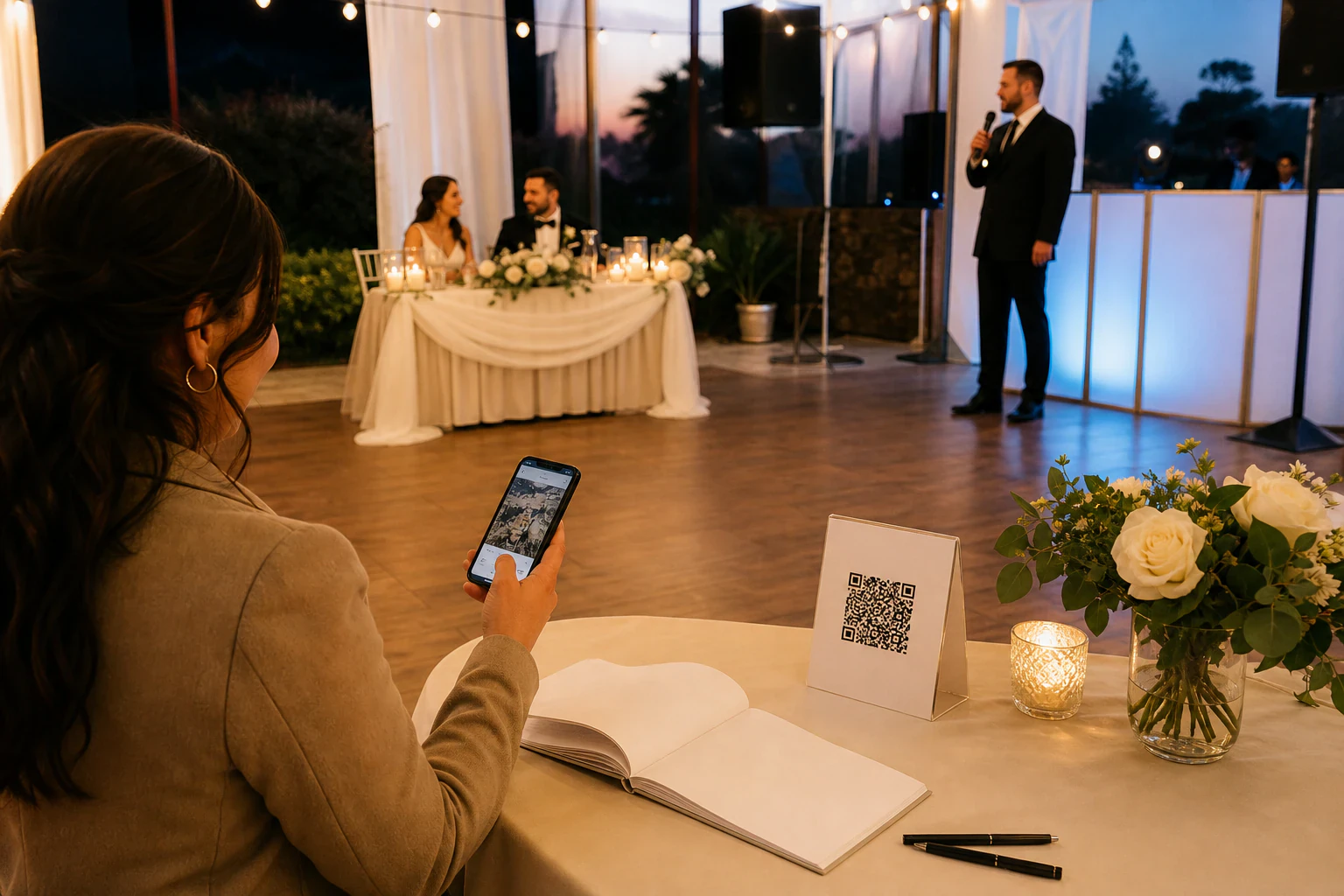
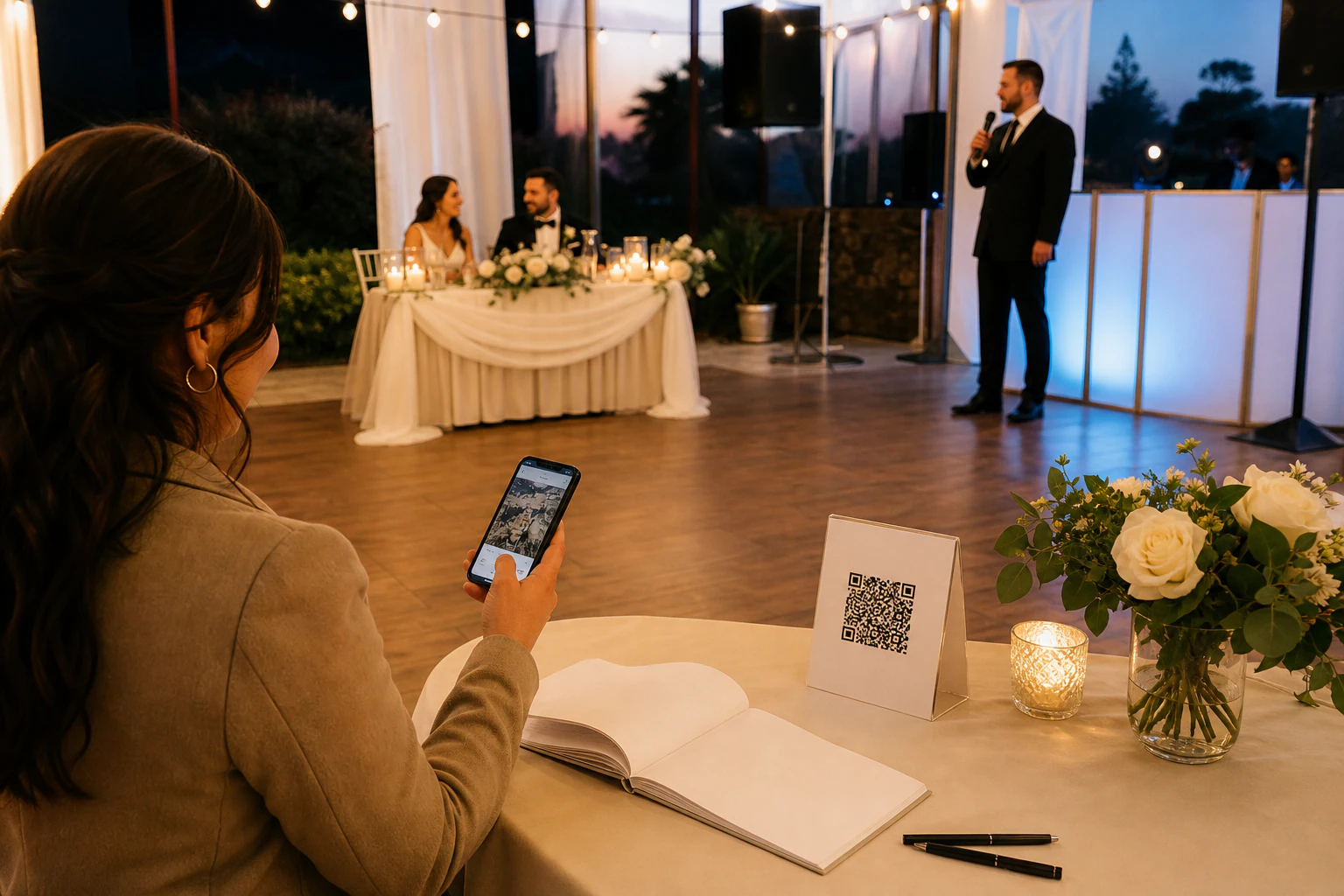
Nobody types a long link off a card. Put a QR code on the table signs, the order of service, and a sign by the bar or the guestbook. A phone camera opens the upload page the instant they point at it. That single change is the biggest lever on how many photos you get.
Timing is the whole game
Photos get taken during the ceremony, the first dance, and the golden-hour stretch of the reception. Ask people to upload before they leave, while the memory and the phone are both fresh. A link sent the morning after gets a fraction of the uploads a QR on the table during dinner does.
No app, no account, or you lose them
Every download, every "create a free account," every login screen sheds guests, and the ones who bail are disproportionately the older relatives holding the photos you most want. The method that works is the one a 70-year-old can finish in ten seconds without help: point, upload, done.
One person nudges out loud
Ask the MC or a bridesmaid to mention the QR once during dinner and once before the send-off. A spoken reminder in the room does more than any amount of signage. People upload when someone they can see tells them to, right then.
The best method isn't the one with the most features. It's the one your least techy guest finishes without asking anyone for help.
How to set it up so it just works on the day.
Whichever tool you land on, the setup is roughly the same five moves. Do them a week ahead, not the night before.
- Pick where the files will live first. A purpose-built app stores them for you; a DIY upload page or a Drive folder means you're picking the storage. Decide this before anything else, because it determines whether you own the originals or you're renting access to them.
- Generate one link and one QR code. Use a single collection point for the whole wedding, not one per table. Turn that link into a QR with any free generator and check that it actually opens the upload page on both an iPhone and an Android before you print anything.
- Put the QR everywhere guests pause. Table numbers, the bar, the guestbook, the last page of the program. Anywhere a phone comes out anyway. Add one line of instruction: "Scan to add your photos, no app needed."
- Test the full guest flow yourself. Scan your own code, upload a photo from your phone, and confirm it lands where you expect at full size. This five-minute test catches the broken-link disaster while there's still time to reprint.
- Download everything within a week. Pull the full-resolution files down and back them up somewhere permanent. Free tiers and shared links expire or fill; your marriage doesn't. Get the originals off the platform and into your own backup early.
Where these setups quietly lose the photos anyway.
Two failures cause almost all the disappointment. The first is quality. Instagram and some chat apps recompress every photo, so what you collect is a soft, small copy of a shot that was sharp on the guest's phone. If the archive matters, avoid any route that compresses on the way in and make sure you can download originals. Modern iPhones also shoot in HEIC, a format some tools choke on or convert badly; a good collection tool takes the HEIC, keeps a full-quality version, and hands you something you can actually open later.
The second is storage and permanence. A 120-guest wedding with a lot of video will pass a few gigabytes fast, and free tiers have caps. Worse, some "free" sending tools are built around links that expire. WeTransfer is the obvious one for firing off a big file, and it's genuinely good at that, but a one-off expiring link is the wrong shape for an archive you want in ten years. That platform also spent mid-2025 in the news after a terms-of-service update looked like it granted rights to use uploaded files to train AI; after public backlash it reversed the wording and clarified it doesn't train AI on user content or sell it. The clause is gone, but the episode is a fair reminder to actually read where your wedding photos are allowed to go before you upload 400 of them.
If you'd rather own the files than rent an app to hold them.
This is the DIY route, and it's honest about who it's for: someone comfortable pasting one line of code into a simple web page, or with a techy friend who is. If that's not you, a purpose-built wedding app is the friendlier pick and there's no shame in it.
Tonta is upload infrastructure, not a polished wedding app, and it's fair to say so up front. What it gives you is a hardened upload page you hand out as a link, where guests drop photos with no account, and everything lands in one place you control. You can flip an uploader into a shareable gallery or an anonymous drop page, which is exactly the wedding-collection shape: one link, files in one folder, nothing for the guest to install. On the way in it resizes, compresses, and converts to WebP automatically, so 400 phone photos and a stack of iPhone HEICs don't turn into an unmanageable storage swamp, and it serves everything from a CDN so the gallery loads fast when relatives open it later.
Concretely, wiring it into a plain web page is a single script tag pointed at your uploader:
<script src="https://tonta.io/uploader/uploader.js"
        data-backend="https://tonta.io/uploader/upload.php"
        data-target=".wedding-uploader"
        data-api-key="YOUR_API_KEY"
        data-callback="handleUpload"></script>
The honest limits: this is DIY, so there's no live photo wall generated for you and no hand-holding wizard, and the free tier is 5 GB with one uploader. That's fine for a smaller wedding's photos, but a big guest list with lots of video will need a paid plan (Starter is $9 a month for 100 GB, which is still cheap for what a wedding archive is worth). If you want zero setup and a slideshow on the reception wall, use a wedding app. If you want the collected files to sit in storage you own, at full quality, without an expiring link or a subscription gate on your own memories, a drop page you set up yourself is the honest fit.
Purpose-built wedding app
Zero setup, friendliest for guests and for you.
- ✓ QR generated for you, live photo wall, no build
- ✓ Guests upload with no app and no account
- × Files live in their product; downloads or storage can sit behind a paid tier
- × Some albums expire unless you upgrade in time
Your own upload page (Tonta)
You own the files; you paste one script tag.
- ✓ A link and drop page you hand out; files land in one place you control
- ✓ Auto resize, compression and WebP on upload, served fast from a CDN
- ✓ Real free tier, 5 GB and no card; $9/mo for 100 GB if a big video-heavy wedding needs it
- × DIY: no live slideshow or setup wizard, and you (or a friend) paste the snippet
What's the best way to collect photos from wedding guests?
For most couples, a QR-code wedding app that needs no download from guests, placed on table signage and mentioned out loud during the reception. It's the least setup and gets the most photos. If you'd rather own the files outright instead of storing them in an app, a simple upload page you set up yourself does the same collection job while keeping the originals in your own storage.
How do I collect wedding photos without an app for guests?
Use any tool that works in a phone's browser through a link or QR code. Guests scan or tap, upload straight from their camera roll, and never install anything. This covers the QR wedding apps, a Google Drive folder (clunkier, since it prefers an account), and a DIY upload page. Avoid anything that asks guests to download an app or register, because that's where most of them drop off.
Is there a genuinely free way to do this?
Yes, several. Most QR wedding apps have a free tier, a shared Google Drive or Dropbox folder is free until you outgrow the storage, and an upload page on a free infrastructure tier (Tonta's is 5 GB with no card) costs nothing for a smaller wedding. The catch on every free option is the same: watch the storage cap and any link expiry, and download your full-resolution files early so nothing gets held hostage by an upgrade prompt later.
How do guests upload photos without losing quality?
Skip Instagram and most chat apps, which recompress everything into a smaller, softer copy. Use a collection tool that keeps a full-resolution version and lets you download the originals. iPhone photos in HEIC format are a common failure point, so confirm your tool handles HEIC cleanly rather than mangling it. Then download the originals within a week and back them up yourself.
When should I share the photo link with guests?
Have it visible during the event, not just afterward. A QR on the tables from the moment dinner starts, plus one spoken reminder from the MC before the send-off, captures photos while phones are out and memories are fresh. You can still email the link the next day to catch stragglers, but the bulk of uploads happen in the room, on the day.
Get the photos, and get to keep them.
If owning the files at full quality matters more than a zero-setup wall slideshow, set up a drop page you control. The free tier needs no card, so you can wire one up and test the guest flow before you print a single QR.