
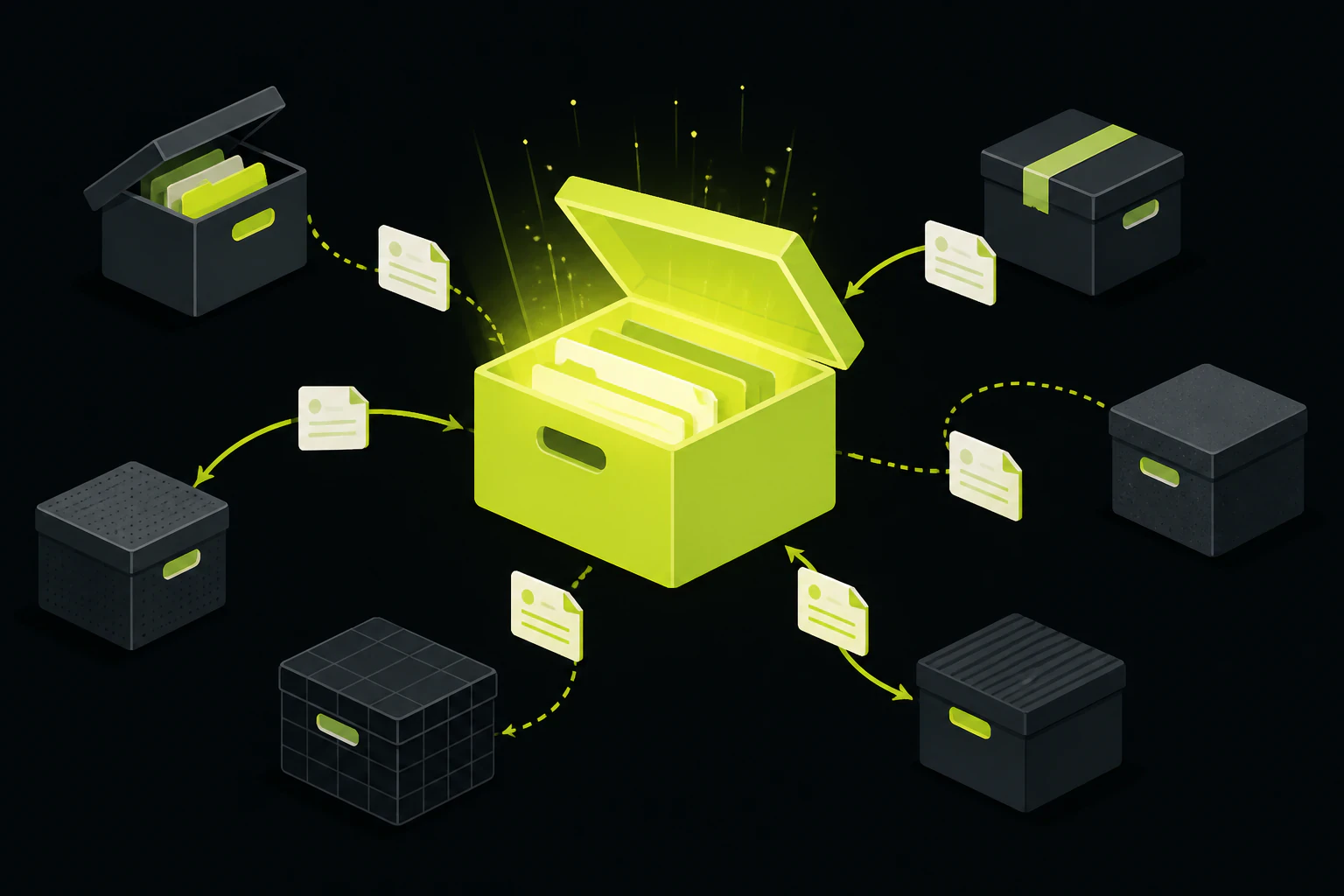
Dropbox gives you 2 GB free, then asks for 2 TB.
That's the whole reason most people land here. Dropbox's free plan tops out at 2 GB, and the first paid step up is a 2 TB Plus plan at $11.99 a month, with nothing in between. Add a price bump of roughly 20 percent over the last few years and the math just stops working for a lot of casual users. Before you pick a replacement, sort out which job you're actually replacing, because it changes the answer completely: a folder on your computer that syncs everywhere, or the part where you hand someone a link and shuffle files back and forth. Almost every "best Dropbox alternative" roundup answers only the first one.
It's rarely the sync. It's the pricing and the privacy.
Dropbox's core sync is genuinely good, one of the smoothest in the category. These are the reasons people go looking anyway.
- The 2 GB free tier ran out years ago. Google Drive gives you 15 GB free, OneDrive 5 GB, MEGA 20 GB. Two gigabytes covers a few hundred documents or one phone's camera roll from a long weekend, and then you're stuck.
- The jump to paid is a cliff, not a step. There's no 100 GB or 500 GB personal tier. You go from 2 GB free straight to 2 TB at $11.99 a month, so you're paying for storage you'll likely never fill just to get a little breathing room.
- Prices went up, features didn't. The roughly 20 percent increase landed without a family plan or a cheaper middle option, which is what tips a lot of long-time users into shopping around.
- No zero-knowledge encryption. Dropbox encrypts your files, but it holds the keys, so it can technically read them and hand them over if compelled. If privacy is the reason you're leaving, that alone rules it out and points you at Proton, Sync, or MEGA.
- Photos are just files in a folder. Dropbox never built real photo management, so if you're leaving to organize a growing library, Google and Apple do that job in a different league.
Free storage
The most common trigger. If you just want more room without paying, the raw free numbers decide it: MEGA's 20 GB and Google's 15 GB lead, with pCloud and Box around 10 GB, and OneDrive, Sync, and Proton around 5 GB.
Encryption and privacy
Zero-knowledge (also called end-to-end or client-side) means the provider can't read your files, only you can. Proton, Sync, Tresorit, and MEGA build it in. Google Drive and OneDrive don't, which is a fair trade for their collaboration features but a dealbreaker for some.
Ecosystem lock-in
Google Drive shines if you live in Docs and Sheets; OneDrive if you're in Microsoft 365. That integration is real value, but it's also the thing that makes leaving painful later, so weigh it going in, not on your way out the door a second time.
Sharing and collecting
Sending big files and gathering files from other people is a separate job from syncing your own. Most lists skip it. If it's why you're leaving Dropbox, a cloud drive is often the wrong shape of tool entirely.
The drives that replace the folder-that-syncs job.
If what you want is a Dropbox-style synced drive with more room or better privacy, these are the honest picks. Free storage and a representative paid plan below; prices are USD and move, so confirm on each provider's own page before you commit.
| Service | Free | Paid (rough) | Best for |
|---|---|---|---|
| Google Drive | 15 GB | $1.99/mo (100 GB), $9.99/mo (2 TB) | Collaboration, Docs and Sheets, most people |
| MEGA | 20 GB | ~$10/mo (2 TB) | Most free storage, with end-to-end encryption |
| OneDrive | 5 GB | $1.99/mo (100 GB) | Anyone already in Microsoft 365 |
| pCloud | 10 GB | ~$8.33/mo (2 TB), lifetime plans | Media, and the one-time-payment crowd |
| Sync.com | 5 GB | ~$8/mo (2 TB) | Zero-knowledge on every plan, no add-on |
| Proton Drive | 5 GB | ~$4/mo (200 GB, billed yearly) | Privacy-first, Swiss jurisdiction |
| Box | 10 GB | ~$14/mo individual | Business, compliance, admin controls |
A few notes that don't fit in a table. pCloud's encryption is a paid add-on rather than default, so "10 GB free" doesn't mean "10 GB zero-knowledge free." Proton's free tier is generous on privacy but thin on file versioning. MEGA's 20 GB is the headline number in the category, though your available space has shifted over the years as their bonus-storage programs changed. And if you'd rather not rent storage from anyone, self-hosted options like Nextcloud and Seafile put a full Dropbox-style drive on hardware you control, at the cost of running and patching a server yourself.
A synced drive and a place to receive files are two different products. Dropbox blurred that line so well people forget they're shopping for one or the other.
If you're leaving to collect files, not store them.
A big share of "I need a Dropbox alternative" is really "people keep sending me files and I need somewhere clean for them to land." That's a different tool, and it's worth being honest about which one you need.
Say you're a photographer collecting selects from a client, a small studio taking large project files off a customer, or someone running an event who wants guests to drop their photos somewhere. Dropbox's shared folders and file requests do this, but they nudge everyone toward a Dropbox account and count against your 2 GB. WeTransfer is the go-to for the reverse direction, sending a big file to someone with no signup, and it's genuinely good at that one thing, though the link expires and there's no persistent place your files gather. Google Drive has file requests too, buried and clunky if the sender doesn't already live in Google.
This is the slice where Tonta honestly fits, and it's worth being clear about what it is and isn't. Tonta isn't a personal cloud drive; it won't sync the folder on your desktop, and it isn't trying to. It's upload infrastructure: you set up a drop page or an uploader once, hand out the link, and every file lands in one place in your dashboard, from people who never need an account. Images get resized, converted to WebP, and served from a CDN on the way in, so a guest's 40 MB phone photo doesn't arrive as a 40 MB phone photo. The free tier is 5 GB with one uploader and no card, which is plenty for a single collection page or one event.
WeTransfer
The zero-signup way to send one big file.
- ✓ No account for you or the recipient, brand-name and trusted
- ✓ Great for a one-off send in either direction
- × Links expire; nothing gathers in one persistent place you own
- × No processing, no organizing, no page on your own site
Tonta
A drop page you set up once and hand out as a link.
- ✓ Files from anyone land in one dashboard folder, no account for them
- ✓ Auto resize, WebP, and CDN delivery on every upload; 5 GB free, no card
- × Not a synced personal drive; won't replace the folder on your computer
- × You do a little setup up front; it's an endpoint, not a polished consumer app
What is the best free alternative to Dropbox?
For raw free storage, MEGA (20 GB) and Google Drive (15 GB) lead. If privacy matters more than space, Proton Drive and Sync.com give you zero-knowledge encryption on their free tiers. There's no single winner; it depends on whether you're optimizing for storage, privacy, or collaboration.
Is Google Drive better than Dropbox?
For most people leaving over price, yes: 15 GB free versus 2 GB, cheaper paid tiers, and Docs and Sheets built in. Dropbox still has slightly smoother desktop sync and block-level syncing that updates big files faster. Google wins on value; Dropbox wins on pure sync polish.
What's the most secure Dropbox alternative?
The ones with zero-knowledge (end-to-end) encryption, where the provider can't read your files: Proton Drive and Sync.com are the usual picks, with Tresorit for business and MEGA for the most free space. Google Drive and OneDrive don't offer this, since it would break their real-time collaboration.
How do I collect files from people without a Dropbox account?
You want a drop page or upload link rather than a cloud drive. WeTransfer handles one-off sends; for a persistent "upload here" page where files from many people gather in one folder, a purpose-built uploader like Tonta is the closer fit, and nobody sending files needs an account.
Can I self-host a Dropbox alternative?
Yes. Nextcloud and Seafile give you a full Dropbox-style synced drive on your own server, so no monthly storage bill and complete control of your data. The tradeoff is that you own the setup, updates, and backups, which is real ongoing work rather than a one-time install.
There's no "best Dropbox alternative" in the abstract, only the best one for the job you're actually replacing. If it's a synced drive with more room, Google Drive or pCloud; if it's privacy, Proton or Sync; if it's control, self-host Nextcloud. And if the thing you kept using Dropbox for was really receiving files from other people, a drive isn't the tool, a drop page is.
Sorting the store job from the collect job.
If you're leaving Dropbox to gather files rather than sync your own, spin up a drop page on the free tier and hand out the link. No card, 5 GB, live in a few minutes.