
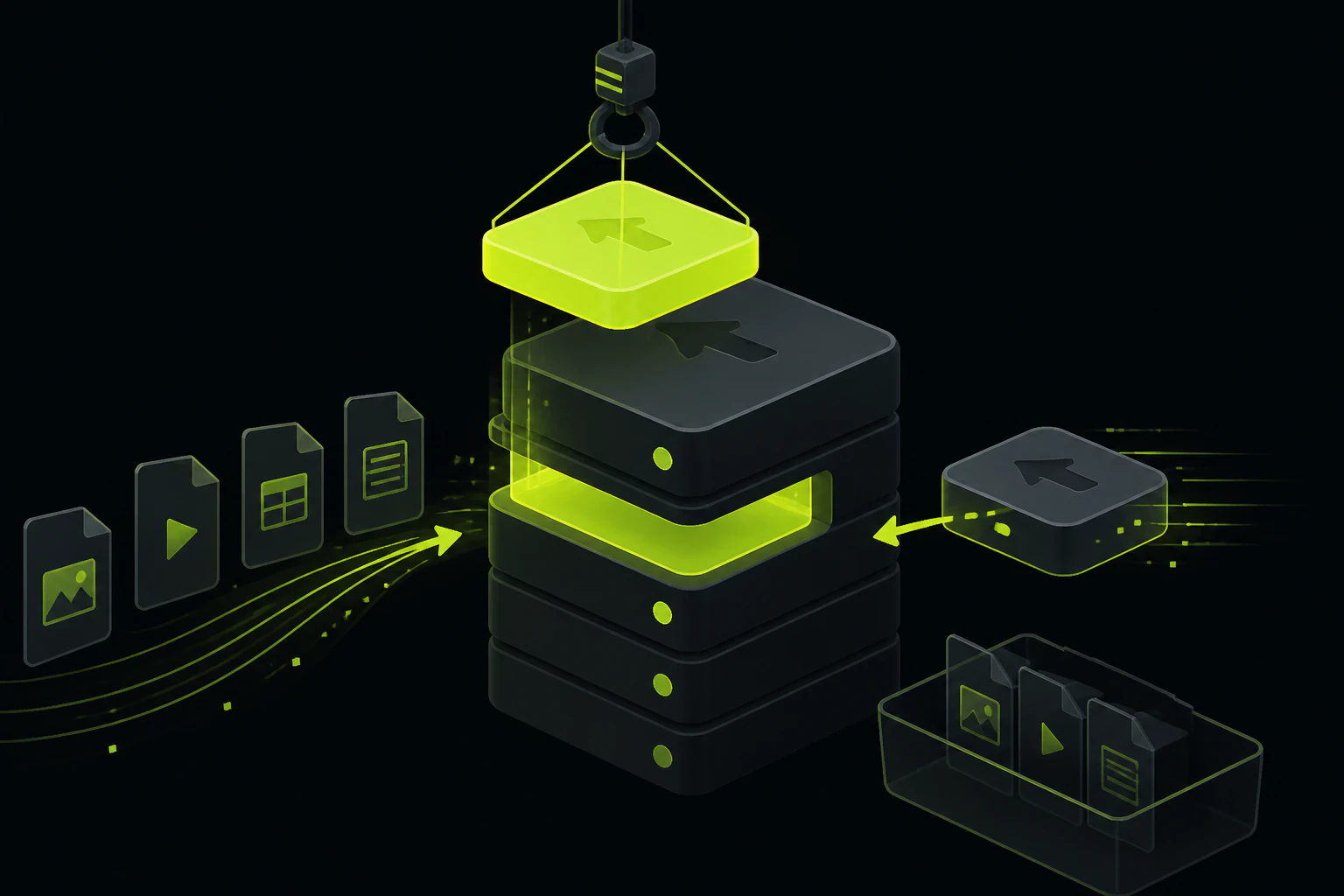
Four products behind one API key, and one bill for all of them.
Filestack sells a bundle: a picker that ingests files from 15+ sources, a transformation and workflow engine, content intelligence (OCR, tagging, virus scanning), and CDN delivery. It's genuinely good at that breadth. It also starts at $69 a month with no permanent free tier, and most apps use a fraction of what it ships. The realistic alternatives, Uploadcare, Transloadit, Cloudinary, UploadThing, Tonta, or plain S3, each replace a different slice. So the useful first question isn't "what's the best Filestack alternative," it's "which slice was I actually using."
File sources
The picker pulls from Google Drive, Instagram, Facebook, Gmail, OneDrive, Box, a webcam, a URL. This is the feature Filestack is famous for, and the one most upload forms never trigger: users overwhelmingly pick local files and the camera.
Transformations and workflows
Resize, crop, convert, plus chained processing workflows billed per execution. Powerful, metered, and the second-biggest reason quotas run out mid-month.
Content intelligence
OCR, image tagging, and virus detection. Real capabilities with real use cases (document intake, moderation), but virus detection doesn't unlock until the $379/mo Scale plan.
Storage and delivery
Files land in Filestack-managed S3 and come back through an integrated CDN. This part is the baseline; every serious alternative on this page does it too.
Where Filestack earns its price, and where the meters run.
Credit where due first. If your product's whole value is "bring files in from anywhere," a design tool ingesting brand assets from clients' Google Drives, a print service pulling albums out of Google Photos, Filestack is in its lane and this article won't talk you out of it. The SDK list is real too: JavaScript, React, Angular, Python, PHP, iOS, Android. And the intelligence layer (OCR on incoming documents, tagging, virus scanning) covers jobs most upload services simply don't do. Nobody else on this page matches that exact combination, which is worth saying plainly before picking it apart.
The complaints start with the meters. The $69/mo Start plan tracks four quotas at once: 75 GB of bandwidth, 20,000 uploads, 50,000 transformations, and 50 GB of storage. Cross any one of them and you're choosing between an upgrade to Grow at $199/mo or per-unit overages ($0.20 per bandwidth GB, $0.006 per upload, $0.0025 per transformation on Start). Video conversion doesn't exist below Grow. Virus detection and custom OAuth wait until Scale at $379/mo. Files cap at 1 GB on the entry plan. And there's no permanent free tier at all: you get a 21-day trial, then a paid plan or a dead uploader. For a side project or an early product, that's a hard floor of $828 a year before the first overage.
So the audit is worth an honest hour: pull your logs and check which sources your users actually upload from, and which transformations actually get called. A common result is local files, the camera, a resize, and a format conversion, with the connector list that justified the price tag exercised about twice a quarter. None of that is a knock on Filestack; it just means you've been shopping in the wrong aisle.
The best Filestack alternative is whichever tool sells only the slice you were actually using.
Five alternatives, each replacing a different slice.
One honest strength and one honest tradeoff each, ours included. If you only need the front end and plan to run your own backend, that's a different shopping trip: start with our guide to picking a file upload widget instead.
Uploadcare
The closest like-for-like swap.
- ✓ The nearest feature match: a polished picker with file sources (Google Drive, Dropbox, direct links), upload API, processing, and CDN under one key
- ✓ A permanent free tier (1,000 operations a month) and pay-as-you-grow pricing, with Pro at $66/mo
- × Free-tier files cap at 10 MB, and there's no OCR or content-intelligence layer to replace Filestack's
Transloadit
The processing slice, from the Uppy and tus people.
- ✓ Assembly-based pipelines ("Robots") for video, audio, image, and document processing, with resumable uploads first-class since they maintain the tus protocol
- ✓ GB-based pricing you can reason about: a free 5 GB/mo Community plan, $9/mo Hobbyist, $69/mo for 40 GB
- × It's an encoding service more than a home for your files; you assemble Uppy, exports to your own storage, and delivery yourself
Cloudinary
The transformation slice, at full depth.
- ✓ The deepest on-the-fly transformation URL API in the business, plus DAM features Filestack doesn't attempt
- ✓ A real free tier: 25 credits a month, no trial clock
- × Pooled credit pricing that's hard to predict, paid plans from $99/mo, and its own flavor of URL lock-in
UploadThing
The storage slice, for full-stack JS apps.
- ✓ Type-safe helpers that drop straight into Next.js and friends, with billing on storage only
- ✓ 2 GB free, then roughly $10/mo for 100 GB, about as legible as pricing gets
- × No processing pipeline: resizing, format conversion, and watermarking stay your code's problem
Tonta
The endpoint-plus-optimization slice, and only that.
- ✓ A single script tag renders an uploader wired to a hardened endpoint; images come back resized, converted to WebP, and compressed, served from a CDN, with no bucket or signed-URL logic on your side
- ✓ API keys locked to your listed domains, a 5 GB free tier with no card, and Starter at $9/mo for 100 GB with watermarks and your own branding
- × No source connectors, no OCR, no language SDKs (integration is the script tag plus fetch or cURL), and video needs the $29/mo Professional plan
Entry prices and free tiers, in one place.
Figures are from each vendor's pricing page as of July 2026 and move often; confirm before you commit. USD throughout.
| Option | Free tier | Paid entry | The slice it covers |
|---|---|---|---|
| Filestack | 21-day trial only | $69/mo (Start) | The whole bundle: sources, transforms, intelligence, delivery |
| Uploadcare | 1,000 operations/mo | $66/mo (Pro) | Picker with sources, processing, CDN |
| Transloadit | 5 GB/mo | $9/mo (Hobbyist) | Encoding pipelines and resumable uploads |
| Cloudinary | 25 credits/mo | $99/mo (Plus) | Deep transformations and DAM |
| UploadThing | 2 GB storage | ~$10/mo (100 GB) | Storage and delivery for JS apps |
| Tonta | 5 GB, 1 uploader | $9/mo (Starter, 100 GB) | Hardened upload endpoint with optimization and CDN |
Six situations, six different answers.
- Your users genuinely pull files from other services. Uploadcare is the closest swap: it keeps the multi-source picker and the one-key bundle at a lower entry price with a real free tier. If the OCR and intelligence features are also load-bearing, staying on Filestack is a defensible call; nothing below matches that layer.
- The processing pipeline is the point. Transloadit, if what you liked about Filestack was chaining conversions: its encoding Robots go deeper on video and audio, and the pricing is a single GB meter instead of four quotas.
- You want transformation depth, not source breadth. Cloudinary, with eyes open about credit pooling. We've mapped that whole decision separately in our rundown of Cloudinary alternatives, because it has the same unbundling problem from the other direction.
- You're a TypeScript shop that mostly needs storage. UploadThing. You were probably going to write the image handling in your own stack anyway, and its billing model won't surprise you.
- You need total control or strict compliance. S3 plus CloudFront, with your own processing behind it. Cheapest at real scale and nobody can change terms on you, but only pick it if someone on the team owns signed URLs, CORS, and the resize pipeline as an actual job.
- You need to accept uploads, optimize them, and serve them, live this week. Tonta. That's the narrow case it's built for, and the rest of this page is the honest version of why narrow can be the right buy.
What Tonta replaces, and what it doesn't try to.
Tonta's bet is that the middle of Filestack's bundle, the hardened endpoint plus optimization on the way in, is the part most teams were actually buying. You add one script tag pointed at an element on your page with your API key. It renders the uploader, POSTs the file to Tonta's endpoint, and the response JSON hands back CDN URLs for the processed versions: resized, WebP, compressed, with optional watermarks and XMP metadata when provenance matters. Keys only answer to the domains you've listed, so the snippet is safe to ship in public HTML. And any uploader can flip into a shareable gallery or an anonymous drop page, which covers the "collect files from people" jobs without building a second interface.
The pricing shape is the other half of the argument. Filestack meters bandwidth, uploads, transformations, and storage separately; Tonta's tiers are storage-based with processing and CDN included, so the number on the pricing page is close to the number on the invoice. Free is 5 GB with one uploader and no card. Starter is $9/mo for 100 GB, five uploaders, watermarks, and your own branding. Professional at $29/mo adds 500 GB, webhooks, and video transcoding. What you give up is exactly what the comparison card said: there's no Instagram connector, no OCR, no official SDK for your language, and no trial period because there's nothing to trial your way out of. If those gaps land on features you actually call, buy the bundle. If they land on features you demoed once, you've found your answer.
The short answers, before you go price-checking.
Is there a free alternative to Filestack?
Several, which matters because Filestack itself only offers a 21-day trial. Uploadcare gives you 1,000 operations a month, Transloadit 5 GB of processing a month, UploadThing 2 GB of storage, Cloudinary 25 credits a month, and Tonta 5 GB with one uploader. All of them work indefinitely without a card, so you can prototype on any of these and only pay when the product does.
What is Filestack actually used for?
Four things under one API key: ingesting files from 15+ sources (Google Drive, Instagram, Gmail, and so on), transforming and converting them, running content intelligence like OCR, tagging, and virus scanning, and serving the results through a CDN. Teams that use all four get fair value. Teams that use one slice are the ones searching for this article.
Filestack vs Uploadcare: which should I pick?
They're the two most alike, so it usually comes down to price structure and the intelligence layer. Uploadcare has the permanent free tier, the cheaper entry at $66/mo, and arguably the more polished widget. Filestack has the longer source list, OCR and virus scanning (on its higher plans), and heavier enterprise workflow tooling. If you'd never call an OCR endpoint, Uploadcare is the simpler buy.
How much does Filestack really cost?
Start is $69/mo (75 GB bandwidth, 20,000 uploads, 50,000 transformations, 50 GB storage, 1 GB max file size), Grow is $199/mo and is the first plan with video conversion, and Scale is $379/mo and is where virus detection and custom OAuth unlock. Past your quotas you pay per unit: on Start that's $0.20 per bandwidth GB, $0.006 per upload, and $0.0025 per transformation. Budget against your real traffic, not the plan headline.
Can I replace Filestack with open source?
Partly. Uppy or FilePond give you the picker, tus gives you resumable uploads, and your own S3 bucket with imgproxy gives you storage and processing. It's a real path with zero license cost, but you own the endpoint hardening, the CORS config, and the pipeline when it breaks. The honest accounting is a few days to build and a permanent maintenance line item, which is a fine trade for some teams and a terrible one for a two-person product.
Try the slice before you re-buy the bundle.
Tonta's free tier is 5 GB and one uploader, no card and no trial clock. Wire it into a page this afternoon and see if the narrow slice was the whole job.