
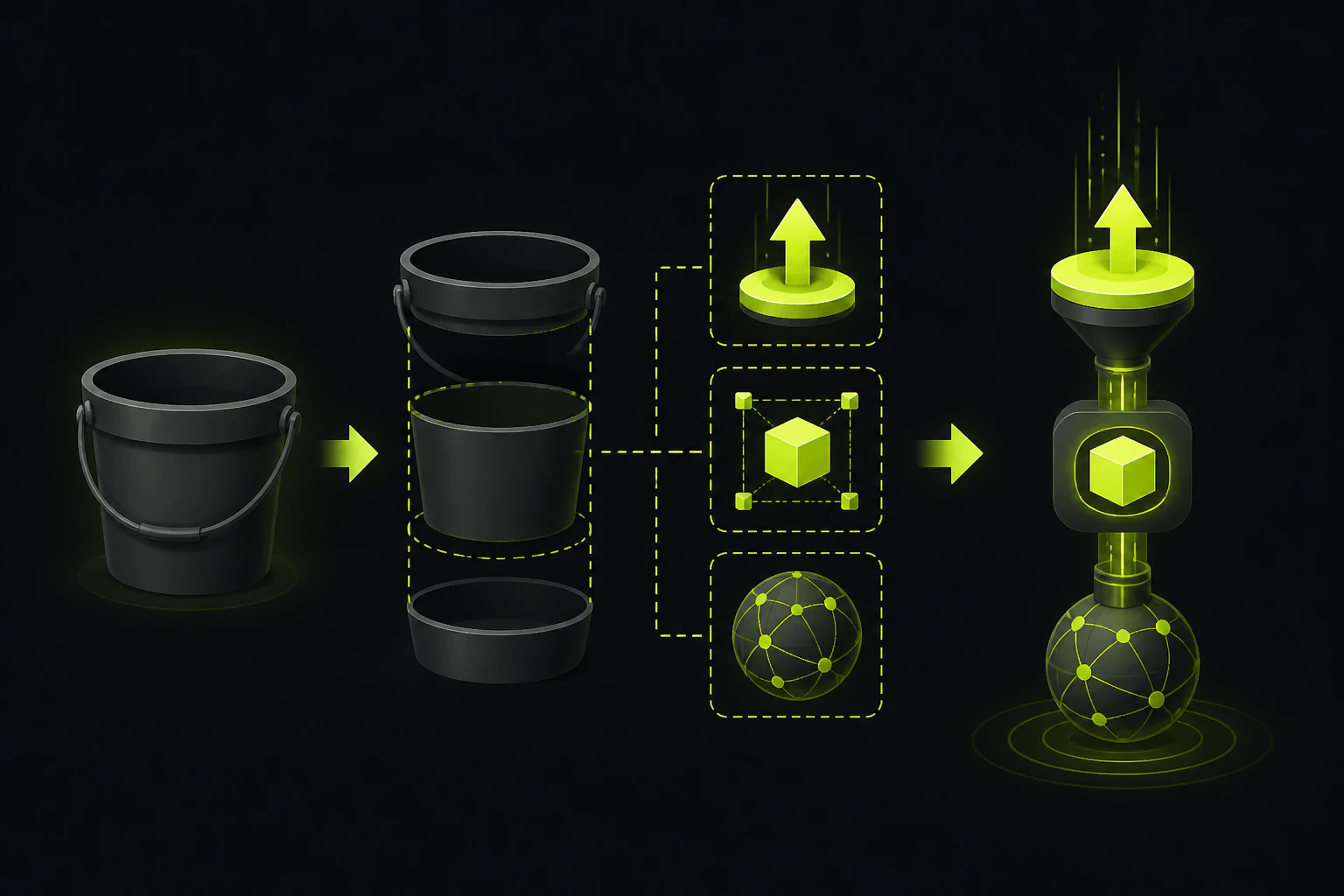
Seven pieces of infrastructure, or one endpoint that already exists.
"Just put uploads in S3" is a seven-part project: a bucket with a locked-down policy, an IAM role scoped to it, an endpoint that mints presigned URLs, a CORS configuration, a processing pipeline, a CloudFront distribution, and monitoring across all of it. A managed upload endpoint like Tonta replaces that set with one script tag: files POST to a hardened endpoint and come back resized, converted to WebP, and already on a CDN, for a flat monthly price. S3 keeps its two real wins, raw per-gigabyte cost and total control. Whether those are worth operating seven components instead of zero is the actual question, and it has a cleaner answer than most build-vs-buy debates.
Worth being precise about what you'd be replacing, because S3 itself isn't an upload service. It's object storage, and it's excellent object storage: eleven nines of durability, effectively infinite capacity, $0.023 per gigabyte-month in us-east-1 as of this writing. What it doesn't do is accept files from your users. It accepts PUTs from credentialed clients. The moment "users can upload" becomes a feature in your app, you're building the machinery that turns an untrusted browser into a credentialed client, and that machinery, not the bucket, is what every S3 alternative is actually competing with.
The DIY stack next to the managed endpoint.
Every row below is something the S3 route makes you build, configure, or pay for separately. The right column is what the same job looks like on a hosted upload endpoint.
| The piece | DIY on S3 | Managed endpoint (Tonta) |
|---|---|---|
| Upload endpoint | An API route you write that mints presigned URLs, with expiry and content-type handling | A hosted endpoint; the embed POSTs multipart/form-data to it |
| Browser uploader | Build one, or adopt a widget and wire up progress, retries, and errors yourself | Rendered by the script tag, callback fires with JSON |
| CORS | Bucket CORS rules, kept in sync across every environment and origin | Handled; API keys are locked to your allowed domains |
| Validation | Your code: type checks, size limits, rejecting the renamed .exe | Server-side at the endpoint, per-uploader settings |
| Image processing | A Lambda or worker pipeline you write and version | Resize, WebP conversion, and compression on the way in |
| Video | MediaConvert or your own ffmpeg workers | GPU transcoding on Professional and up |
| Serving | A CloudFront distribution, cache policy, and invalidations | CDN URLs come back in the upload response |
| Cost model | Five meters: storage, egress, requests, compute, CDN | One flat storage tier |
| On-call | You | Not you |
Three of those rows deserve a closer look, because they're where the estimates blow past their budgets. Presigned URLs first: the concept is simple (your server signs a short-lived request, the browser PUTs the file straight to the bucket), but the implementation has edges. The signature covers the content type, so a mismatch between what you signed and what the browser sends gets a 403 with no useful detail. URLs expire, so a user who picks a file and then answers a phone call comes back to a dead link. And direct-to-S3 means the file skips your server entirely, so any validation has to happen before signing or after landing, in a second pass you also write.
CORS is the row that eats an afternoon. The bucket needs a CORS policy that matches your origins, methods, and headers exactly, and when it doesn't match, the browser reports a generic CORS failure with no hint about which of the three was wrong. It works in local dev, fails on staging because the origin changed, and fails differently in production behind the CDN. Nobody budgets for this and nearly everybody pays it.
Then processing. S3 stores what it's given, byte for byte, which means the 40MB HEIC a guest uploads from an iPhone stays a 40MB HEIC until something converts it. That something is a pipeline you build: a Lambda triggered on upload, sharp or ImageMagick inside it, output written back to a second location, failures retried, and the whole thing redeployed every time your size requirements change. If you're starting from the front end and working backward, the walkthrough on how to add a file upload form to your website covers the same split from the other direction: the form is the easy 10 percent, and everything in this table is the other 90.
The storage costs $0.023 a gigabyte. The system around the storage is where the money goes.
Where S3 is still the right answer.
This isn't a takedown. S3 plus CloudFront is the correct architecture for a real set of teams, and pretending otherwise would make the rest of this article worthless.
Stay on S3 when control is the requirement rather than a preference. Some workloads genuinely need it:
- Compliance and residency constraints. If you must dictate the region your bytes live in, or need specific certifications attached to the storage layer, owning the bucket is the clean way to guarantee it.
- Custom processing. Running your own ML models on uploads, handling exotic scientific formats, or doing anything a hosted pipeline doesn't offer means you need the raw object and your own compute next to it.
- Serious scale. At hundreds of terabytes, S3's per-gigabyte price and lifecycle tiers beat any flat-tier product, and at that scale you have the platform team to run it.
- An already-deep AWS shop. If your org has paved roads for IAM, Terraform modules for buckets, and an on-call rotation that already exists, the marginal cost of one more pipeline is genuinely low.
If none of those describe you, and for most product teams shipping an upload feature none of them do, then you'd be rebuilding a commodity. That's the case for the managed category: Uploadcare, Filestack, and Cloudinary at the bigger-surface end, Tonta at the simpler one. If what you're actually shopping for is a transformation-heavy media platform with a DAM attached, that's a different comparison, and the Cloudinary alternatives rundown walks through that field honestly. What follows is the narrower case: you want uploads handled, not a media suite.
What Tonta takes off the parts list.
The integration is one script tag pointed at a target element with an API key and a callback. Everything below happens behind that tag.
The endpoint and the uploader
The embed renders the uploader and POSTs multipart/form-data to Tonta's hardened endpoint. No presigned-URL route to write, no expiry edge cases, no widget to maintain. Your callback gets JSON with the file's ID and CDN links.
The processing pipeline
Resize, WebP conversion, and compression run server-side on ingest, with quality settings per uploader. Automatic watermarks are available from the Starter tier, and video transcoding with streaming from Professional. That whole Lambda pipeline never gets built.
The CDN
Processed files are served from files.tonta.io at the edge (the site cites under 200ms delivery). The upload response already contains the delivery URLs, so there's no distribution to configure and no invalidation to think about.
Key hygiene instead of CORS
Each uploader's API key is locked to its allowed domains; a request from anywhere else gets a 403. That's origin restriction, not a full auth system, but it covers the exact job the bucket CORS policy was doing, without the config drift.
The front end deserves one honest note: a hosted endpoint doesn't excuse a bad picker. If you're evaluating what the embedded uploader itself should do (progress, multiple files, drag and drop), the file upload widget comparison covers what separates a good one from a file input with CSS on it.
What each route costs once it's running.
Comparing a five-minute script tag against a from-scratch build isn't a fair fight on setup time, so compare where it is fair: the monthly bill once both exist.
Take a typical small production app: 100 GB of user images stored, 300 GB delivered a month. On AWS, as of this writing: storage runs about $2.30, CloudFront delivery in North America starts around $0.085 per gigabyte, so call it $25 after the free allowance, plus Lambda invocations for the pipeline, S3 request charges, and CloudWatch if you'd like to find out when it breaks from a dashboard instead of a customer. Roughly $30 to $35 a month in infrastructure. That's genuinely cheap. The expensive part was the week it took to build and the permanent line it added to the on-call runbook.
Tonta's Starter tier is $9 a month for 100 GB and five uploaders, with the processing and CDN included in the price. Professional is $29 for 500 GB and adds webhooks plus the video pipeline; Business is $79 for 2 TB with storage add-ons at $20 per terabyte. The free tier is 5 GB and one uploader, no card, which is enough to wire the whole thing up and decide with working code instead of a pricing page. Two caveats stated plainly: Tonta publishes an egress figure only on the Agency tier (30 TB a month at $249), so a delivery-heavy app should ask about limits before committing. And integration today is the script tag plus raw HTTP with cURL and fetch examples; there are no official language SDKs, and per-file size caps and resumable-upload behavior aren't published, so multi-gigabyte video workflows are worth testing on the free tier first.
At the far end of the scale the math flips back. Petabytes of archival data with lifecycle rules belong in S3, full stop. But that's storage as the product. Uploads as a feature, the thing most teams typing "S3 alternative" into a search box actually have, sits comfortably inside a flat tier.
The questions that come up in every build-vs-buy thread.
Is S3 good for handling file uploads?
S3 is excellent at storing files and was never designed to be the thing a browser talks to directly. For user uploads you either proxy files through your own server or generate presigned URLs, and either way you own validation, CORS, processing, and delivery. With a platform team, that's a fine position. When uploads are a feature rather than your product, a hosted endpoint gets the same result without the machinery.
Can users upload directly to S3 from the browser?
Yes, with presigned URLs or presigned POST: your backend signs a short-lived request and the browser sends the file straight to the bucket. You still need the signing endpoint, a correct bucket CORS configuration, and client code that handles expiry and failures. Direct-to-S3 saves your server's bandwidth; it doesn't save the engineering.
Do I need CloudFront in front of S3?
For anything user-facing, in practice yes. Serving from a public bucket is a bad idea, latency from a single region is noticeable, and CloudFront's per-gigabyte rate undercuts raw S3 egress. It's also one more distribution to configure and pay for, which is part of why the piece-by-piece table above is as long as it is.
What's actually cheaper, S3 or a managed upload service?
On raw storage, S3, every time: $0.023 per gigabyte-month beats any flat tier on paper. On the total, count egress, CDN, compute, the build week, and the ongoing ownership, and a flat tier like Tonta's $9 for 100 GB usually comes out ahead until your scale is large enough to justify a team that runs storage as its job.
Keep the bucket out of it entirely.
The free tier is 5 GB and one uploader, no card. Wire the script tag into a test page and see what the JSON gives you back.