
The delivery is part of the product, so treat it like one.
A finished wedding runs 500 to 800 edited photos, somewhere between 6 and 12GB of full-resolution JPEGs. How that package arrives is the last impression a client gets of your work, and a bare cloud-drive link full of unsorted files undoes a lot of it.
The short answer: deliver through one link to an online gallery, where the client can browse the photos first and download them second, in both full resolution and a web-friendly size, without creating an account for anything. Nearly every good delivery is a variation on that sentence. The tools split into four camps: dedicated client gallery platforms, general cloud drives, one-off transfer services, and a gallery page you run yourself. Which camp fits depends on whether you deliver twice a year or twice a week, and whether the gallery also needs to sell prints or just hand over files.
What doesn't work, and keeps getting used anyway: emailing exports (mail servers cap attachments around 25MB and often recompress what gets through), a transfer link that expires before the couple is back from the honeymoon, or a shared folder that greets the client's phone with a signup prompt. Every one of those produces a support conversation later. A good delivery produces none.
Six steps from final edit to a client who says nothing but thanks.
- Export two sizes. Full-resolution JPEG at high quality for printing, plus a roughly 2048px web version for phones and social. Clients share the small copies and print the big ones; hand over only one size and the wrong one gets used for both.
- Name files so they sort. Something like Rivera-2026-0418-014.jpg beats DSC_4831.jpg. Your client will be searching for these files years from now, on a laptop you'll never see.
- Upload to a gallery, not a folder. People decide how they feel about the photos while scrolling them. A grid of thumbnails creates that moment; a file listing kills it.
- Watermark anything that isn't paid for yet. If the final invoice is open, deliver watermarked previews and release clean files on payment. This is painful to retrofit by hand and painless when it happens automatically at upload.
- Send one link with one line of instructions. A sentence about how to download on a phone prevents most of the follow-up email you'd otherwise get.
- State the retention window up front. Tell the client how long the gallery stays live (six to twelve months is a common promise) and that long-term archiving is their job or a paid add-on. Silence on this point turns into an upset email in year three.
Four ways to deliver, and who each one actually fits.
Client gallery platforms
Pixieset, Pic-Time, and ShootProof were built for exactly this job, and it shows: client-facing galleries with proofing, favorites, download PINs, and print sales wired to a lab. If selling prints and albums through the gallery is real revenue for you, this category earns its subscription and you should be in it. The tradeoffs are a recurring cost that climbs with stored gigabytes, and free plans small enough that a single wedding fills them.
Cloud drives
Google Drive gives you 15GB free and Dropbox 2GB, and both will share a folder link in seconds, which is why so many photographers start here. As a client-facing system they're clumsy: the browsing experience is a file manager, your branding appears nowhere, non-Google clients get prompted about accounts, and that free space is shared with your own email and backups. If you've already felt those walls, the same complaints drive our rundown of the best Dropbox alternatives.
Transfer services
WeTransfer and its cousins move a big file from A to B with zero setup, a genuinely great trick for a one-time send. As a delivery method they have one flaw that outweighs the convenience: expiry. Free WeTransfer links stop working after three days, whether or not the client ever downloaded the files, and if the client can't re-download in month two, you're the one re-sending everything. The full picture, including which senders don't expire on you, is in our guide to WeTransfer alternatives.
A gallery page you run yourself
The fourth route is hosting the delivery on something you control: a gallery at a link you own, with your name on it, where files stay until you decide otherwise. That used to mean a web server and some scripting, which is why most photographers never did it. Hosted upload platforms have closed that gap, and this is where Tonta comes in.
A photo delivery has one hard requirement: it still works when the client comes back for the files in month eleven.
One uploader, flipped into a client gallery.
Tonta is upload infrastructure: files go in through an uploader or drop page, get processed on the way, and are served back out from a CDN. Any uploader can be flipped into a shareable gallery, which turns that same plumbing into a photo delivery system.
Shareable galleries
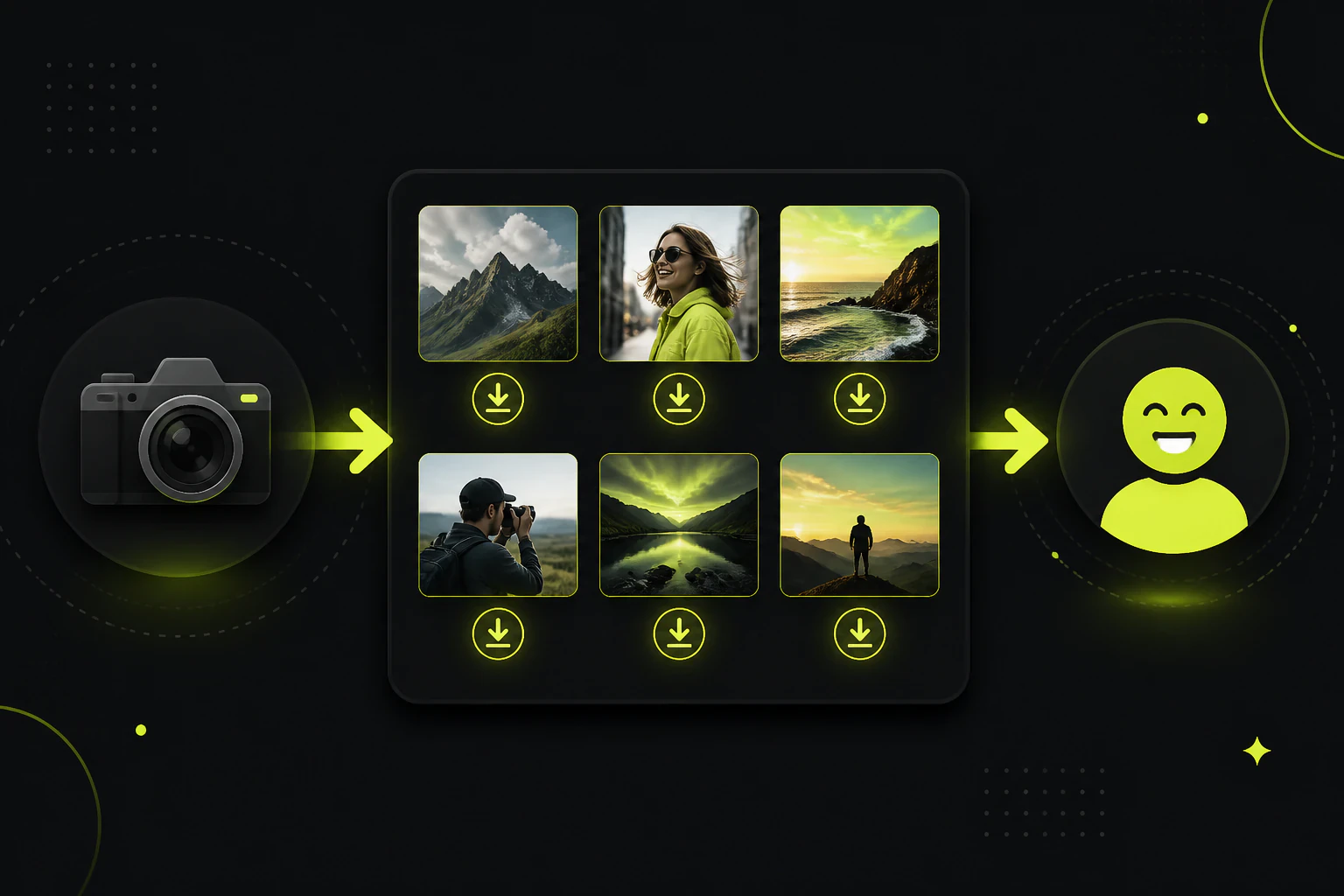
Upload the finished set, flip the uploader into a gallery, send the link. The client scrolls thumbnails and downloads what they want, no account required, with files served from the CDN edge in under 200ms.
Automatic watermarks
On Starter ($9/mo) and up, every image gets stamped as it's uploaded. Deliver watermarked previews while an invoice is open, then upload the clean set once it's settled. Nothing to do in Photoshop either way.
White-label for studios
Tonta branding comes off at Starter. On Agency, unlimited uploaders each carry their own branding with white-label tools, so a studio can run a separately branded delivery page per photographer or per client.
The processing happens on the way in. Per-uploader quality settings control compression, and web-sized WebP versions are generated next to the main file, so the gallery grid loads fast on a phone without touching the copy the client will print. If you shoot video too, transcoding to multiple resolutions with streaming delivery is included from the Professional tier up.
Delivery is also only half of the client file problem. The same drop-page mechanics work in reverse, pulling raws, selects, and paperwork off a client without email attachments, which we've covered separately in how to collect files from clients. One platform ends up holding both directions of the exchange.
The honest limit: Tonta isn't a proofing suite. There's no favorites flow, no print store, no lab integration. If your business sells prints off the gallery, Pixieset or ShootProof earns its fee and you should pay it. Tonta's case is the photographer whose deliverable is the files themselves: you want them on a page you own, behind your own name, priced as a flat storage tier instead of a per-feature ladder.
Which tier matches your delivery volume.
| You are | Plan | Price | What you get |
|---|---|---|---|
| Shooting a few paid jobs a year | Free | $0/mo | 5GB and 1 uploader, with resize, WebP, and compression included. Roughly one wedding-sized delivery live at a time. |
| A working solo photographer | Starter | $9/mo | 100GB, 5 uploaders, automatic watermarks, no Tonta branding, email support. |
| A photo and video studio | Professional | $29/mo | 500GB, 25 uploaders, video compression and streaming, webhooks. |
| A high-volume studio | Business | $79/mo | 2TB with add-on storage at $20/TB, 100 uploaders. |
| A multi-photographer agency | Agency | $249/mo | 5TB, unlimited uploaders, white-label tools, 30TB monthly egress. |
The free tier is a real one, no card required, but respect the single-uploader limit: it's enough to run one live delivery gallery and test whether the workflow suits you, not enough to run a client roster. The jump that matters for photographers is Starter, because that's where watermarks and branding removal live, and 100GB comfortably holds ten or more full wedding deliveries at once. Clear galleries as their promised retention window ends and the space recycles itself.
What photographers ask about handing over the files.
What's the best way to send photos to a client?
A link to an online gallery the client can browse and download from without an account, offering both full-resolution and web-sized files. For a single one-off send, a transfer service is fine as long as you accept the expiry window. For anything recurring, use a gallery platform or a gallery page you host, so the link keeps working when the client returns for the files months later.
How do I deliver full-resolution photos without losing quality?
Never through email, iMessage, or WhatsApp, all of which recompress images. Upload your exported JPEGs to a gallery or cloud service and share the link: the file the client downloads is byte-identical to your export. If the platform generates smaller web versions for fast browsing, make sure the original stays available as the download.
Should I watermark photos I deliver to clients?
Finals, no. The client paid for clean files and watermarking them reads as distrust. Previews before final payment, yes: a visible watermark on the proof gallery protects you until the invoice clears, and automatic watermarking at upload (Tonta has this from the $9/mo Starter tier) makes the two-stage handoff painless.
How long should I keep client galleries online?
Six to twelve months is the common promise, stated in your contract and repeated in the delivery email. Longer hosting is a legitimate paid add-on. Whatever you choose, say it explicitly at delivery time; most gallery complaints trace back to a client who assumed "forever" and a photographer who assumed "a while."
Is Google Drive unprofessional for delivering photos?
Unprofessional is too strong; generic is fair. The client gets a file manager instead of a gallery, your branding is absent, and non-Google users hit account friction. For a favor or a tiny job it's fine. For a business where the delivery moment is part of what's being paid for, a branded gallery is a cheap upgrade.
Deliver the next shoot from a page that's yours.
Tonta's free tier is 5GB and one uploader, no card. Enough to flip one real delivery into a gallery and see if the workflow sticks.